Colors
The Standards palette, its eleven named colours, and the rule that a colour is always stored and written by its name.
Every colour a workspace stores comes from one palette of eleven named colours: one warm neutral and ten hues. Status and select options, objects, agent avatars, email categories and the text colours of a document all pick from it.
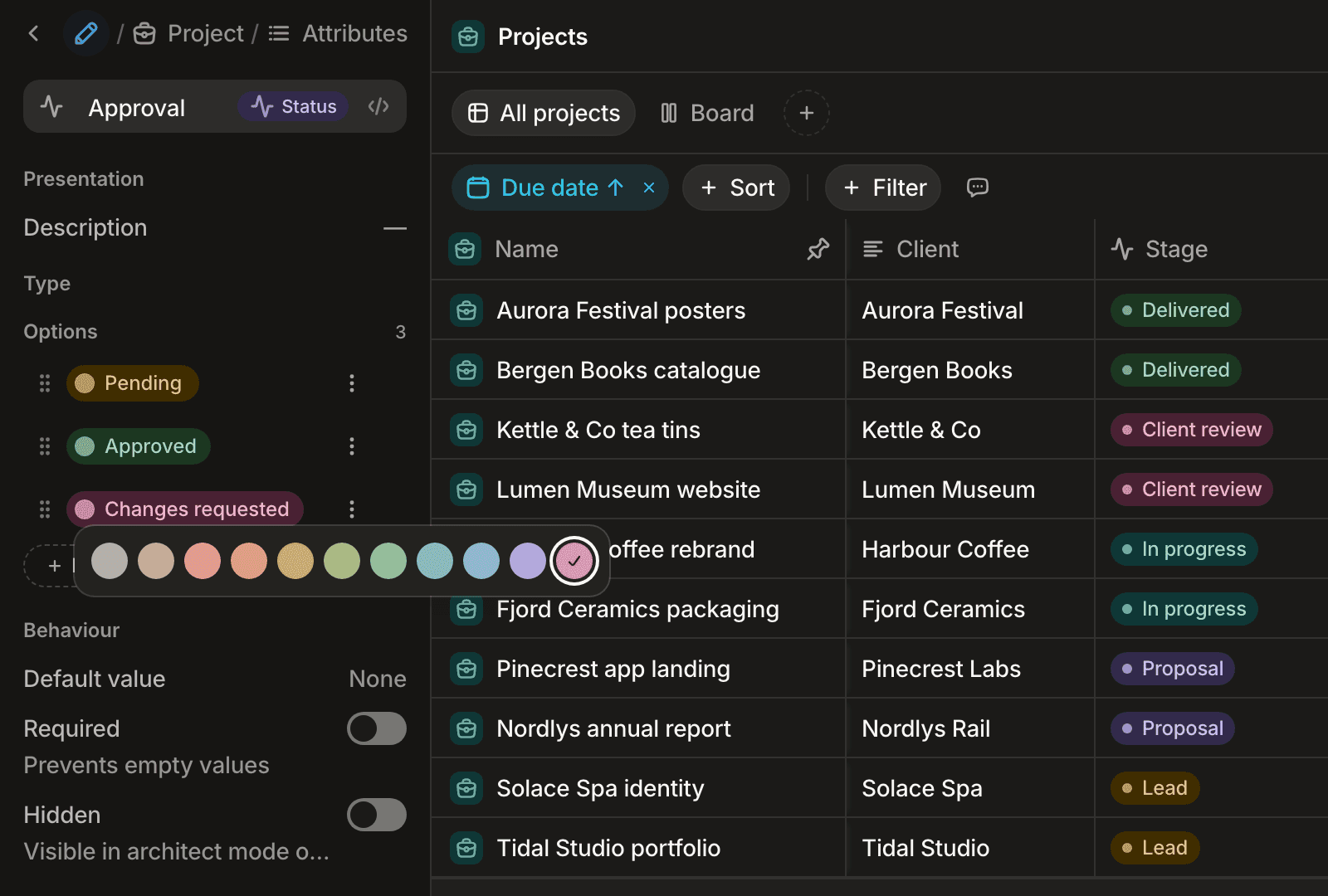
The palette
| Name | English | French | Fill (light / dark) | Typical use |
|---|---|---|---|---|
stone | Stone | Pierre | #EAE7E3 / #33302C | Neutral: drafts, idle states, the default |
clay | Clay | Argile | #F6E4D6 / #3D2C20 | Warm, quiet |
brick | Brick | Brique | #FEE0DC / #4F1F1C | Errors, blocked, lost |
terra | Terracotta | Terracotta | #FFE1D3 / #4C240D | Dates, attention |
ochre | Ochre | Ocre | #F9E5C0 / #402D00 | Warnings, pending |
moss | Moss | Mousse | #E4EDC9 / #2D340F | Growth, secondary success |
sage | Sage | Sauge | #D5F0D8 / #1C3721 | Done, active, won |
lagoon | Lagoon | Lagon | #CDF0EE / #0F3736 | Calm, in progress |
ink | Ink | Encre | #D7EBFE / #17324B | Information, in progress |
iris | Iris | Iris | #E9E4FF / #322A4B | Special, highlighted |
peony | Peony | Pivoine | #FFDEEA / #492133 | Accent |
The fill is the background of a tag or an option. Each colour also carries a border, an icon, a text and an avatar tone, measured so that a label stays readable on its fill in both light and dark mode. Fills are opaque, so a tag reads the same on a page, a card, a hover and a selection.
Use the name
A colour is stored and written by its name, never by a CSS value: color: "sage", not a hex code. The palette's values can be retuned without touching any stored data, and every surface (light, dark, a tag, an avatar) picks the right tone from the one name.
import { status } from "@standards/client";

export const stage = status("stage", "Stage").options([
  { value: "lead", label: "Lead", color: "ochre", group: "idle" },
  { value: "active", label: "Active", color: "sage", group: "in_progress" },
  { value: "lost", label: "Lost", color: "brick", group: "finished" },
]);
tsc refuses a name outside the palette, and so does the API (400, SCHEMA_VALIDATION_FAILED).
Where each colour applies
- Options of a
status,selectormultiselectattribute take any of the eleven (see Attributes). - Objects take any of the eleven with
.color(); an object without one takes a colour derived from its name, so it stays the same everywhere (see Objects). - Agent avatars take any hue except
stone: a grey agent reads as disabled (see Agents and routines). - Email categories take any of the eleven,
stoneby default (see Email categories).
The previous palette
The palette replaced a set of nineteen Tailwind names (gray, blue, green…). Colours already stored in a workspace were renamed to the nearest name: gray and slate became stone, red and rose brick, orange terra, amber and yellow ochre, lime moss, green and emerald sage, teal and cyan lagoon, blue and sky ink, indigo, violet and purple iris, pink and fuchsia peony. A schema declared in code still holding an old name no longer compiles: replace it with its new name, or run npx @standards/cli codemod palette ./src to rewrite the colour ids of your source files (--dry-run previews; options sharing a colour in one list keep distinct hues).
Next steps
Declare option colours on attributes, give an object its colour and image shape, or pick an agent's face in agents and routines.